Kitchen Contactlw2026-homepage
Project Tanzanite
Site Setup
Choose the site identity, brand settings, image direction, and first generated pages.
Current setup
Tanzanite Guided Review Kitchen
Saved Brand Kit linkedNo site URL
100%blueprint coverage
3. Brand Kit
Using saved Brand Kit: Tanzanite Guided Review Kitchen D2 Architectural Brand Kit.
Primary #20242aSecondary #e9ece8Accent #6f7f86
Arial, Helvetica, sans-serif / Arial, Helvetica, sans-serif
Open visual Brand Kit4. Image Bank Direction
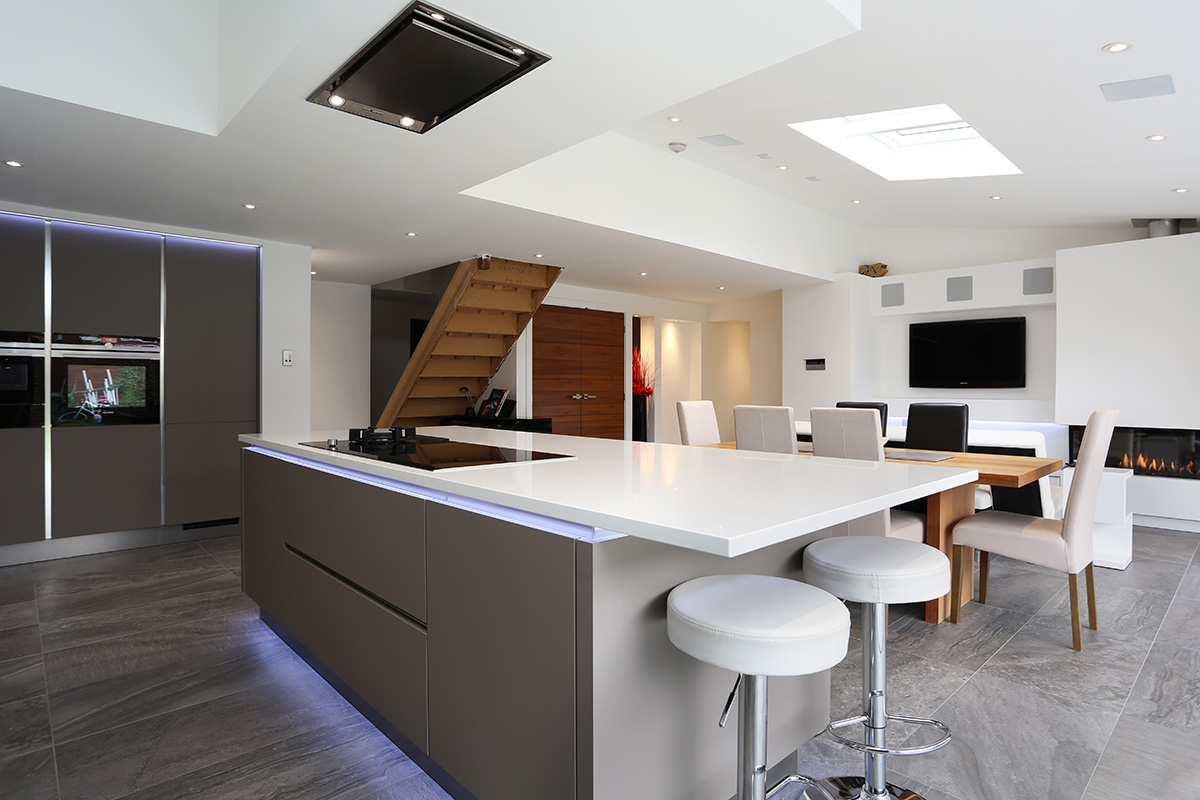
Architectural angles, controlled perspective, darker finishes, technical details.
6. Preview Generated Site
Kitchen Showroomlw2026-homepage
Guided Review Kitchen Homelw2026-homepage